
Capsule CRM Review 2026: Is It Worth It for Freelancers?

Capsule CRM
- Starting price
- Free, paid from €19/user/mo (in-app price observed October 2026)
- Best for
- Freelancers and small businesses that want contact management and basic project tracking in one place.
- Free plan
- Yes
Capsule CRM is a relationship-focused CRM designed to help freelancers and small businesses manage contacts, sales opportunities, tasks and client projects in one place.
Rather than trying to be an enterprise platform, Capsule combines contact management and sales tracking with basic client project management. That makes it an interesting option for one-person businesses and small teams that want structure without a complicated setup.
In this Capsule CRM review, we look at its pricing and plans, contact management, sales pipeline, projects, tasks, reporting, workflow automation, AI features, integrations and its companion email marketing product, Transpond.
Capsule CRM at a Glance
| Product | Capsule CRM |
| Category | CRM software |
| Main purpose | Contact management, sales pipeline and client relationship management |
| Target audience | Freelancers, consultants, small businesses and small teams |
| Free plan | Available |
| Paid plans | Starter, Growth, Advanced and Ultimate on the public pricing structure |
| Trial | 14-day trial of paid plans, subject to Capsule's current terms |
- Product
- Capsule CRM
- Category
- CRM software
- Main purpose
- Contact management, sales pipeline and client relationship management
- Target audience
- Freelancers, consultants, small businesses and small teams
- Free plan
- Available
- Paid plans
- Starter, Growth, Advanced and Ultimate on the public pricing structure
- Trial
- 14-day trial of paid plans, subject to Capsule's current terms
Quick verdict
| What we like | Straightforward contact management, a clear visual sales pipeline, a free plan, projects with Timeline views, and useful integrations. |
| What could be better | Advanced reporting and workflow automation are plan-dependent, and email marketing is handled separately through Transpond. |
| Best suited for | Freelancers, consultants and small businesses that want contact management and basic project tracking in one place. |
| Not ideal for | Large organisations needing complex customisation, advanced sales analytics or sophisticated project resource planning. |
- What we like
- Straightforward contact management, a clear visual sales pipeline, a free plan, projects with Timeline views, and useful integrations.
- What could be better
- Advanced reporting and workflow automation are plan-dependent, and email marketing is handled separately through Transpond.
- Best suited for
- Freelancers, consultants and small businesses that want contact management and basic project tracking in one place.
- Not ideal for
- Large organisations needing complex customisation, advanced sales analytics or sophisticated project resource planning.
Overall, Capsule is worth considering if you want to organise customer relationships, sales opportunities and client projects without adopting a complicated CRM. Its value depends on which plan your needs actually require.
What Is Capsule CRM?
Capsule takes a relationship-first approach to CRM. Everything revolves around people and company records, with the tools to manage the work that surrounds those relationships.
In practice, that means Capsule combines:
- Centralised contact management for people and companies
- Notes, activity history, tags and custom fields on each record
- Sales opportunities tracked through a visual pipeline
- Tasks and follow-ups connected to contacts and opportunities
- Client project tracking linked to the same records
- Email history and integrations with the tools you already use
The result is a CRM that covers the full arc of a freelance client relationship: first enquiry, sales conversation, won deal, delivery and follow-up.
It is not a full enterprise CRM, and it is not a replacement for a dedicated, advanced project-management platform. Capsule's projects are designed to keep client delivery visible alongside your contacts and sales, not to manage complex dependencies or resource planning.
Who Is Capsule CRM Best For?
Good fit
- Freelancers managing multiple clients
- Consultants tracking prospects and follow-ups
- Small agencies managing sales and client delivery
- Small businesses looking for a straightforward CRM
- Teams that want contact management and basic project tracking in one place
Less suitable for
- Large organisations requiring complex CRM customisation
- Businesses needing highly advanced sales analytics
- Teams requiring sophisticated project dependencies and resource planning
- Businesses looking for a complete email marketing automation platform inside their CRM
Capsule CRM Pricing and Plans
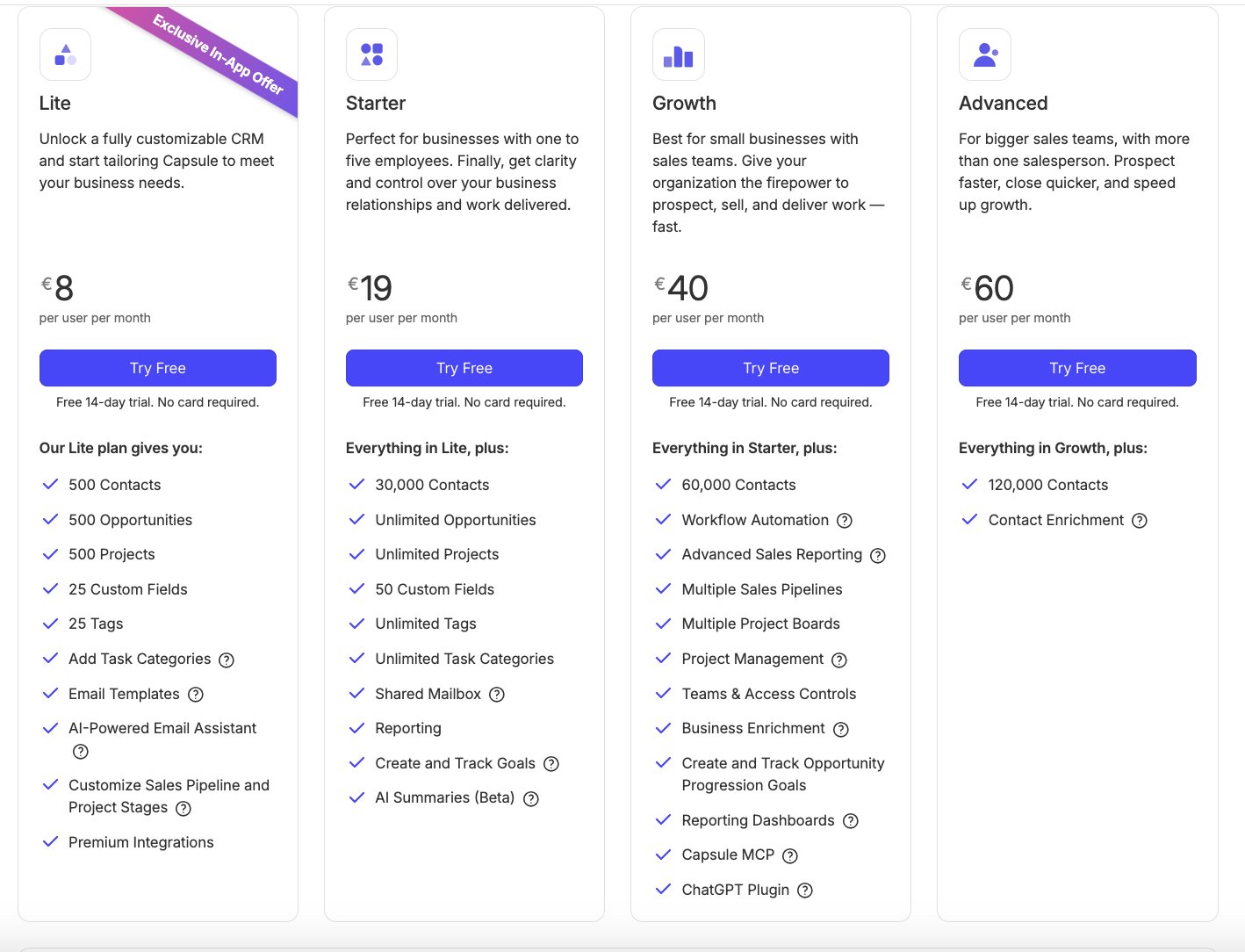
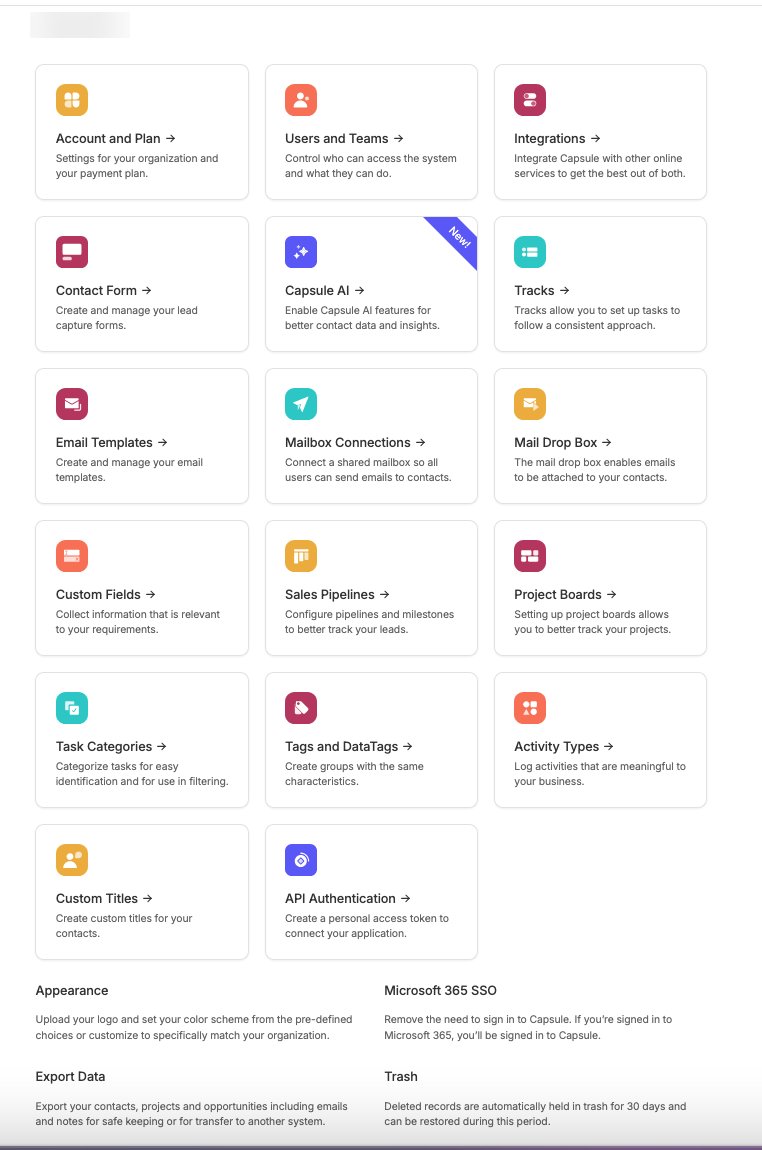
Capsule's public pricing structure includes a Free plan plus four paid tiers: Starter, Growth, Advanced and Ultimate.
It is worth distinguishing that public structure from the regional, in-app prices we observed. The in-app pricing screen in our review account, captured on 31 October 2026, displayed the following:
| Plan | Price displayed in app |
|---|---|
| Free | €0 |
| Lite | €8 per user/month |
| Starter | €19 per user/month |
| Growth | €40 per user/month |
| Advanced | €60 per user/month |
The Lite plan was labelled as an exclusive in-app offer. The public pricing structure also includes an Ultimate plan, which was not displayed in that particular in-app pricing screen.
Pricing, regional offers and billing frequency can affect the final amount you pay. Treat the figures above as what we observed in one account, not as universal prices, and verify current pricing directly with Capsule before deciding.
What separates the plans
The practical differences between plans centre on scale and depth rather than a completely different product:
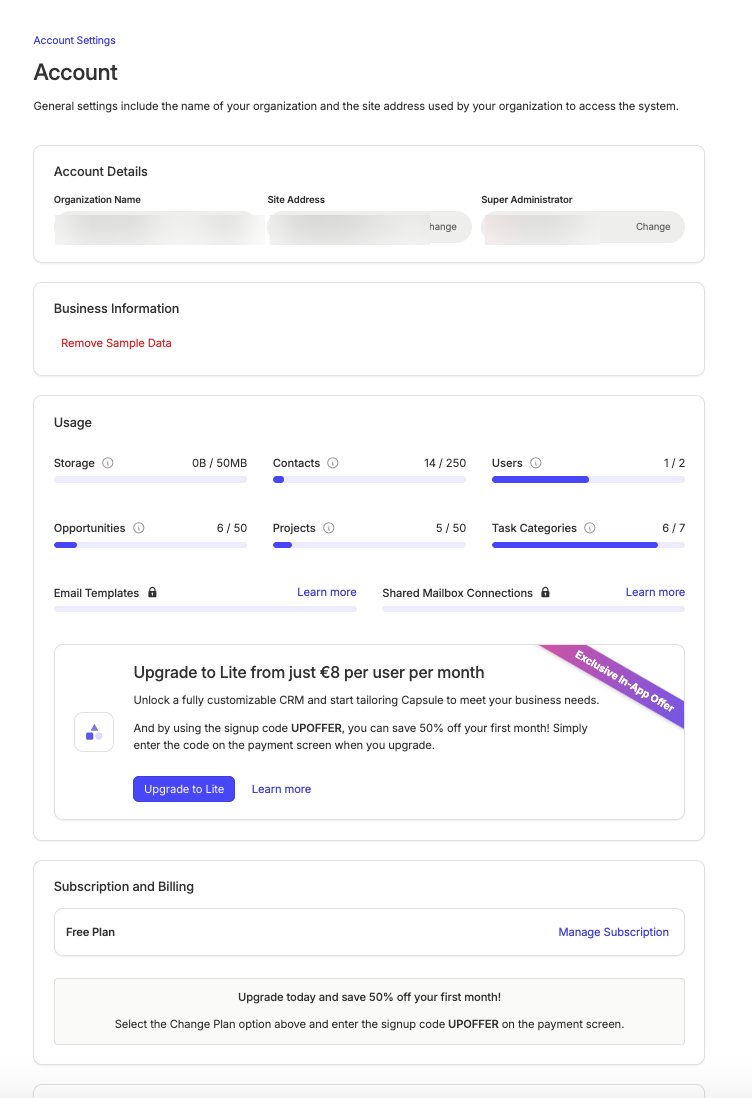
- Contact limits increase as you move up the tiers
- The number of sales pipelines and project boards depends on the subscription
- Email templates and a shared mailbox are reserved for paid plans
- Reporting depth varies, with advanced reporting and dashboards on higher tiers
- Goals and progress tracking are plan-dependent
- Workflow automation requires an eligible paid plan
- Team and access controls expand on the higher plans
- AI features are available across relevant plans, but not every AI feature is on every plan
For most freelancers, the realistic choice is between Free, Starter and Growth. Growth is the tier to look at if you need workflow automation and more advanced reporting, but that does not make it the right plan for everyone. A solo user who mainly needs organised contacts and a clear pipeline may find Starter sufficient.
Core Features Reviewed
Contact management
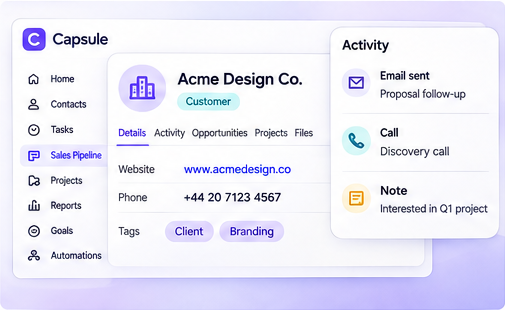
Contact management is Capsule's foundation. People and company records bring together contact details, notes, activity history, tags, custom fields and related opportunities in one place.
For a freelancer, the practical benefit is that a client record can answer most everyday questions without digging through an inbox: what was discussed, what was agreed, what is outstanding and what happens next.
The limitation is that Capsule stays deliberately simple. If you need deep custom objects or complex data models, you will reach its ceiling before you reach the ceiling of an enterprise CRM.
Sales pipeline
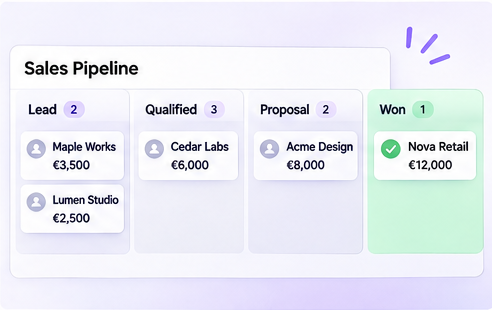
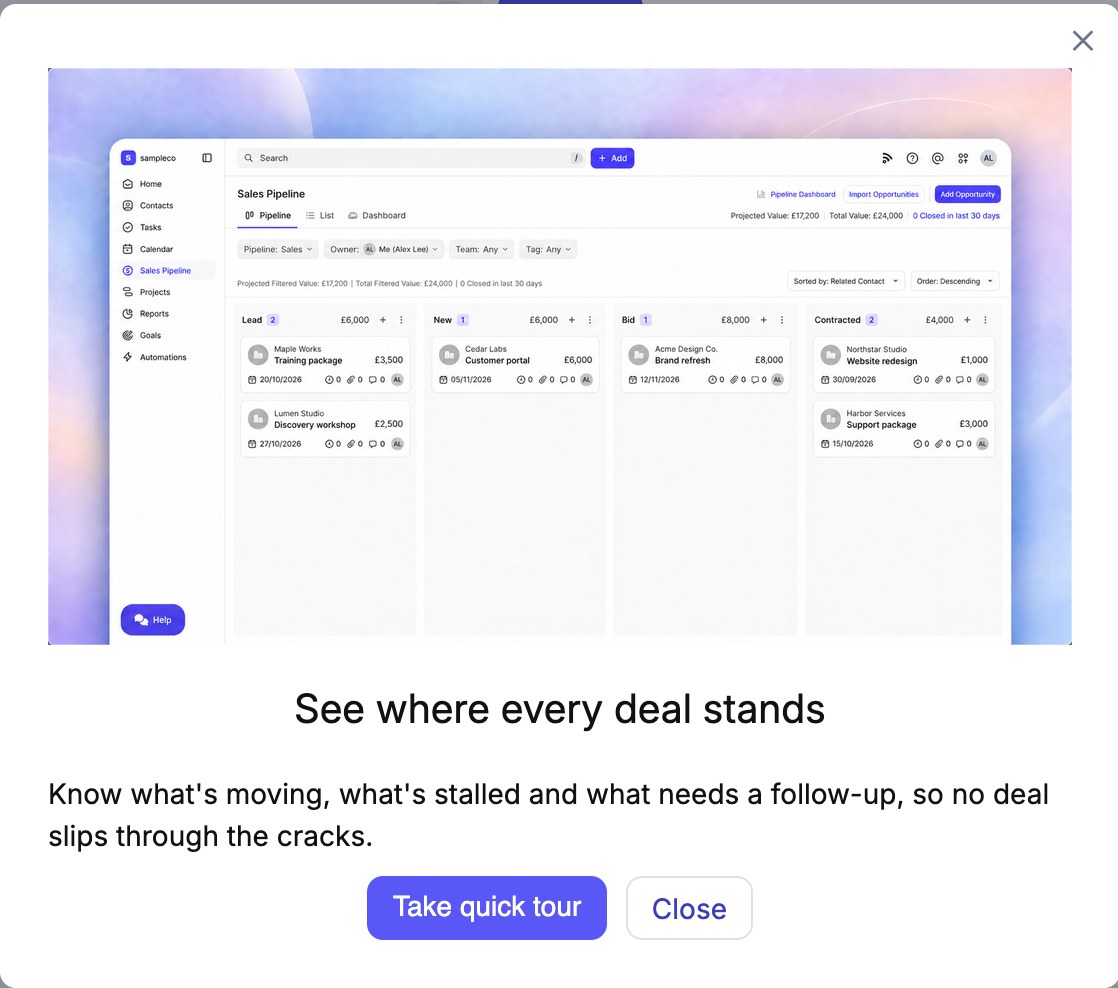
Capsule's sales pipeline is a visual board of opportunities organised by stage. You can customise stages, track deal values and follow each opportunity from initial enquiry through to a completed deal.
For freelance work, this maps neatly onto a typical flow: enquiry, discovery call, proposal sent, negotiation, won or lost. Seeing every open opportunity in one view makes it harder for promising leads to go quiet unnoticed.
Projects and client delivery
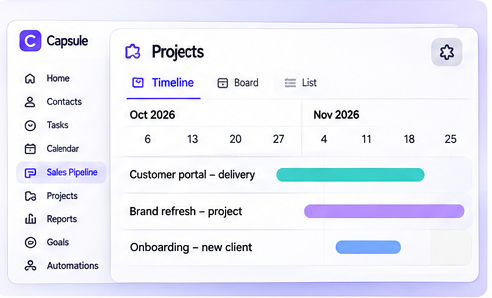
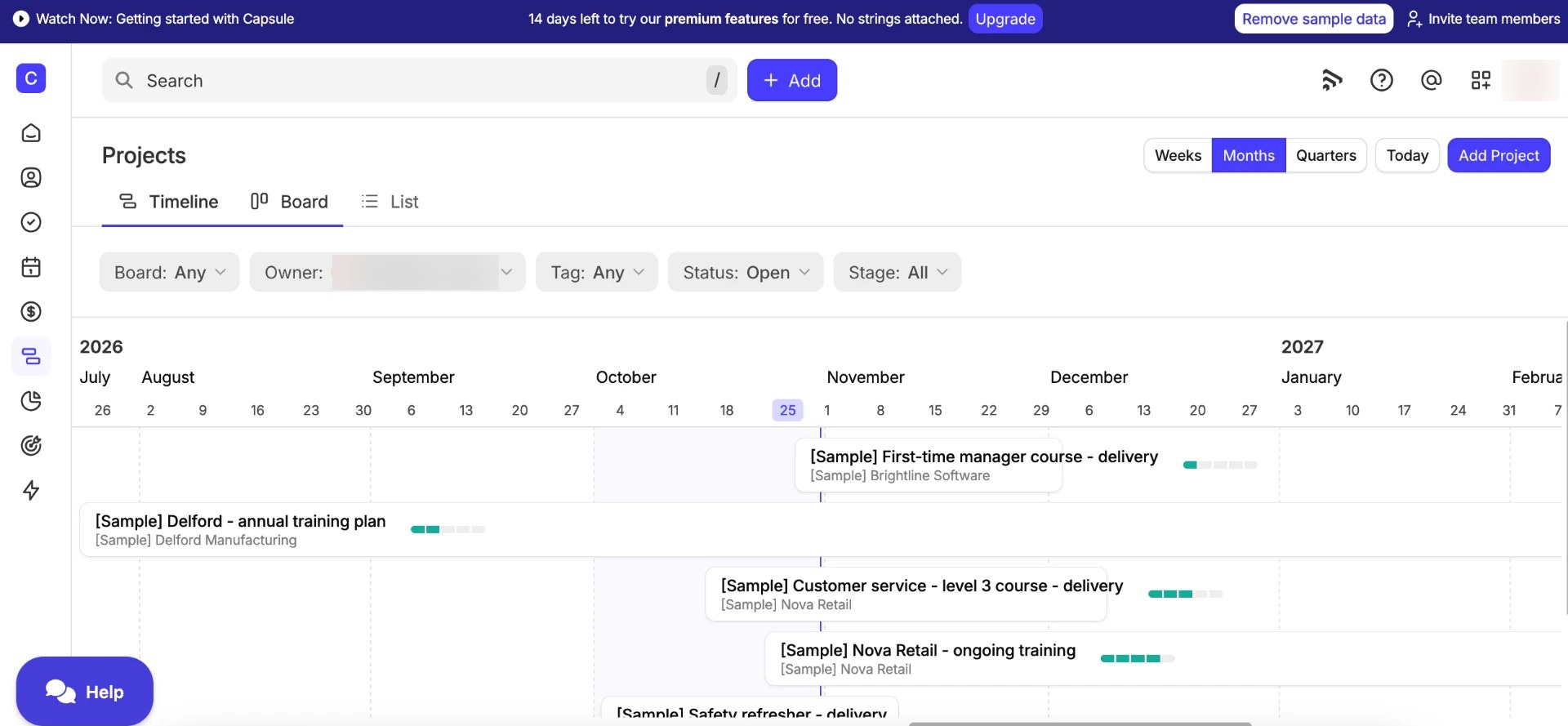
Capsule's Projects functionality lets you track client delivery after the deal is won. Project records link to contacts, carry a status and an owner, and support start dates and expected completion dates.
Projects can be viewed in three ways: a Timeline view for a visual overview of schedules and progress, a Board view for stage-based tracking, and a List view for a more traditional breakdown. Tasks and activity stay associated with the project.
Importantly, Projects and the Timeline view are available across plans. What changes with the subscription is the number of project boards, not the existence of the feature.
This is enough for a freelancer tracking a handful of client engagements. It is not a substitute for a dedicated project-management tool if you need dependencies, workload planning or detailed resourcing.
Tasks and calendar
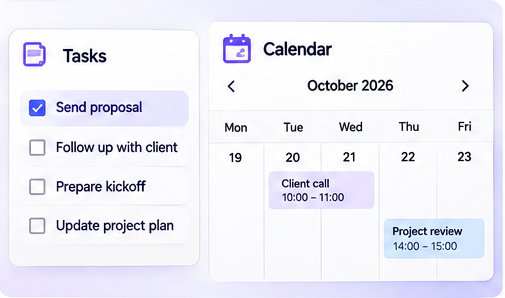
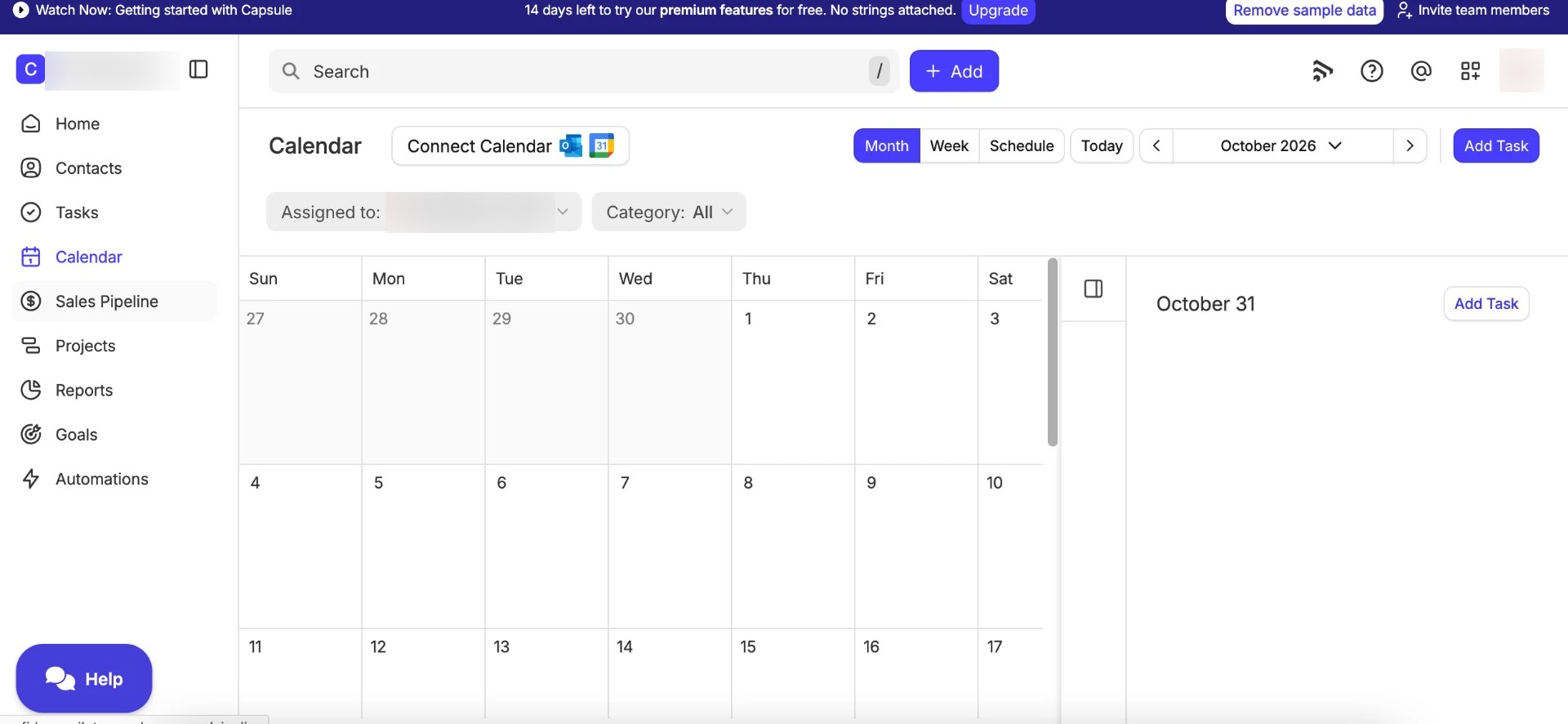
Tasks in Capsule cover reminders, follow-ups and to-dos, and they connect directly to the relevant contact, opportunity or project. Calendar views show upcoming work, and connections with Google and Outlook calendars keep your schedule in sync.
The practical benefit is that a follow-up reminder lives next to the client record it relates to, rather than in a separate task app where context gets lost.
Tracks
Tracks are repeatable sequences of tasks that help standardise recurring processes. A freelancer might build a Track for onboarding a new client: send the welcome email, schedule the kickoff call, request assets, set the first check-in.
Tracks are about consistency, not automation. They give you a reusable checklist of tasks; they do not trigger actions on their own the way workflow automation does.
Email and Calendar Integrations
Capsule connects with Google Workspace and Microsoft 365, which covers the email and calendar setup most freelancers already use.
Email history can be kept alongside contact records, so conversations remain visible in the CRM instead of only in your inbox. Calendar connections keep tasks and follow-ups aligned with your schedule in Google or Outlook.
On paid plans, email templates and a shared mailbox add more structure for teams that handle a high volume of similar client communication.
Reporting and Sales Goals
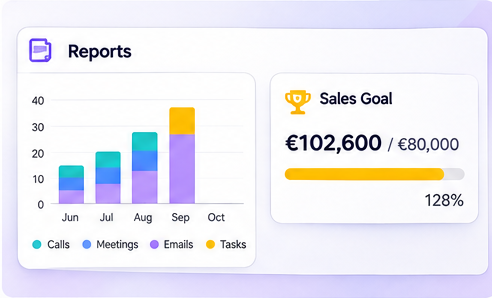
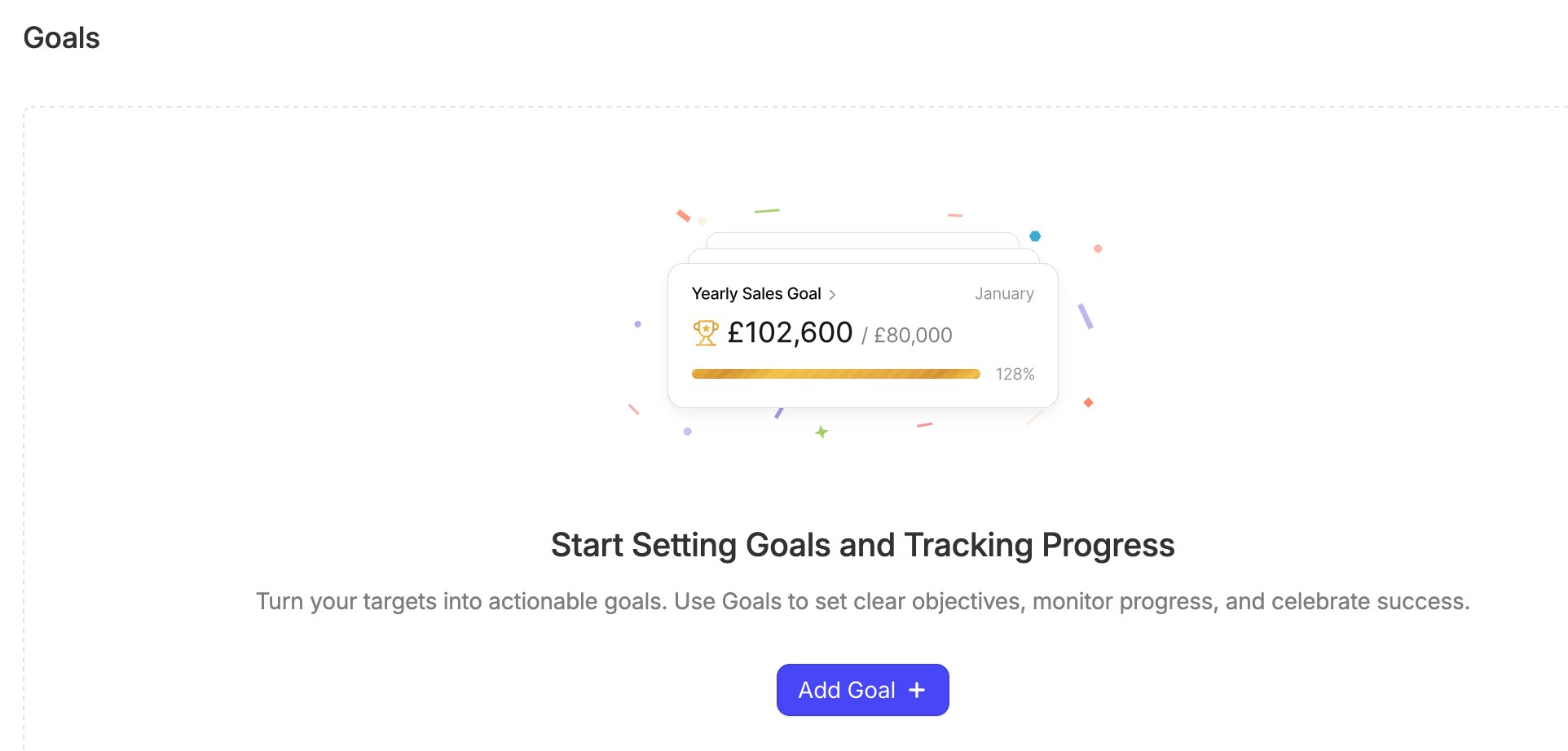
Capsule's reporting covers sales performance, won and lost opportunities, activity reporting and conversion trends, with dashboards available on eligible plans. Goals let you set targets and track progress against them.
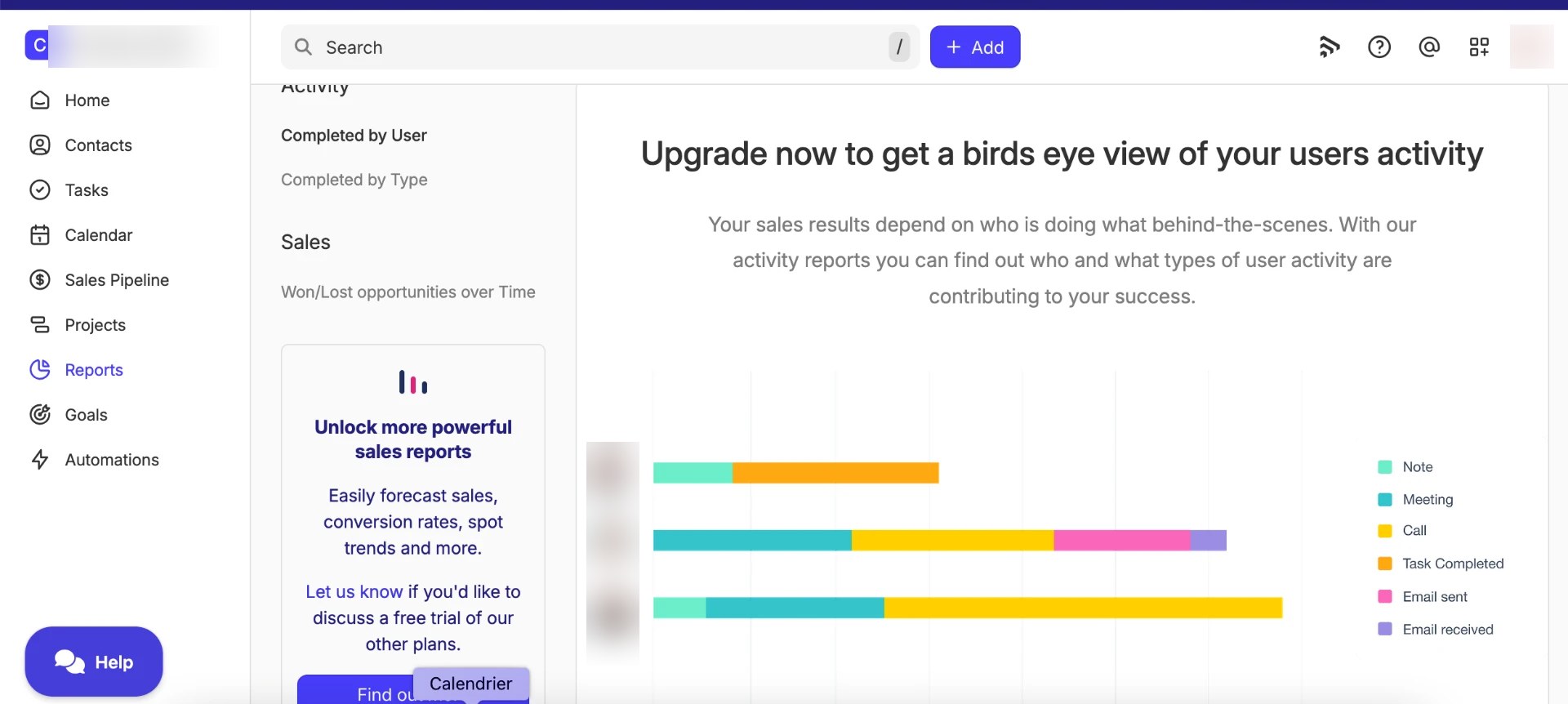
Reporting access and depth depend on the plan. In our Free review account, the Reports page prompted an upgrade for some reports, which is a useful reminder that the Free plan does not include the full reporting picture. That does not mean all reporting is unavailable on Free, but the more analytical views sit behind paid tiers.
For a solo freelancer, basic pipeline visibility is often enough. Teams that want to forecast, compare conversion trends or monitor activity across several people should expect to need a higher plan.
Workflow Automation
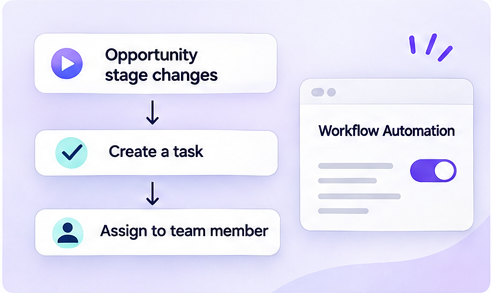
Workflow automation is available on eligible paid plans and is designed to remove repetitive administration. A typical example:
- An opportunity changes stage
- Capsule triggers an action
- A task is created or assigned
- The relevant owner is notified or given responsibility
For a small team, this kind of automation keeps handoffs consistent: when a deal is marked as won, the delivery checklist can appear automatically instead of relying on someone remembering to create it.
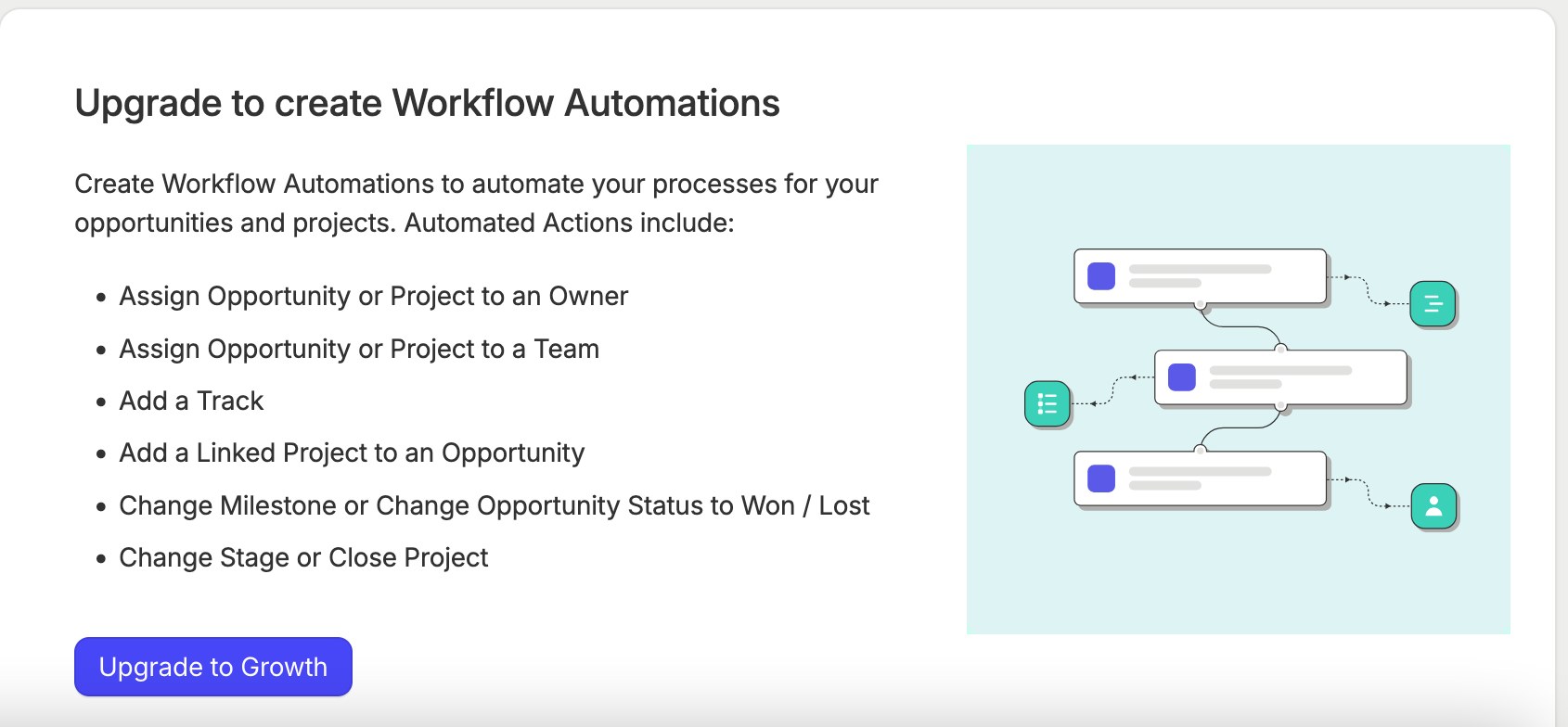
Automation is plan-dependent. In our review account, the Automation section indicated a Growth plan requirement, so treat it as a paid-tier feature rather than something included on Free or Starter.
AI Features
Capsule has been adding AI capabilities across its plans. Based on the documented feature availability, these include:
- AI Pipeline Generator for creating a sales pipeline from a description of your business
- AI-powered email assistance where available
- AI Summaries for condensing record history
- AI Business Enrichment and AI Contact Enrichment for filling in record details
- AI Meeting Prep, currently in beta
Not every AI feature is available on every plan, so check the plan comparison before assuming a specific capability is included in the tier you are considering.
These tools are assistants, not decision-makers. They can draft, summarise and enrich, but they do not replace your own judgement about a client relationship or a sales conversation.
Capsule publishes a statement about its approach to AI data privacy. We report that as a vendor statement; it is not something we have independently audited.
Integrations and Transpond
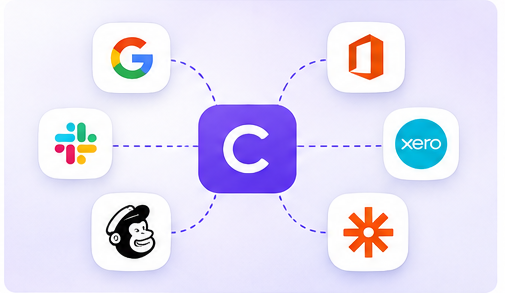
Capsule's integration ecosystem covers the tools a small business is most likely to run alongside a CRM. Relevant examples include:
- Google Workspace
- Microsoft 365 and Outlook
- Xero
- QuickBooks
- Mailchimp
- Calendly
- Zapier and other connected tools where supported
It is worth distinguishing native integrations from third-party connections through services such as Zapier, and noting that some integrations are plan-dependent. Native connections tend to be deeper; third-party connectors are flexible but add another moving part.
Capsule and Transpond
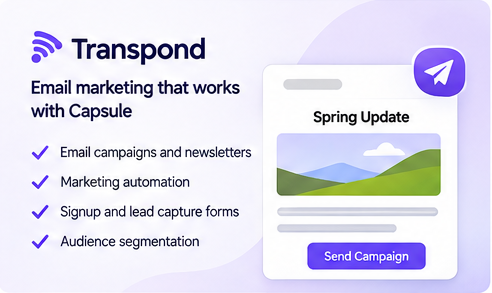
Transpond is Capsule's email marketing product, designed for newsletters, campaigns, forms and marketing automation.
The distinction matters: Capsule manages CRM relationships, contacts, sales opportunities and client activity, while Transpond handles email marketing campaigns and related marketing workflows.
A full email marketing suite is not included in every Capsule CRM subscription. Transpond may require a separate subscription, so factor that in if email marketing is part of why you are choosing a CRM.
Ease of Use
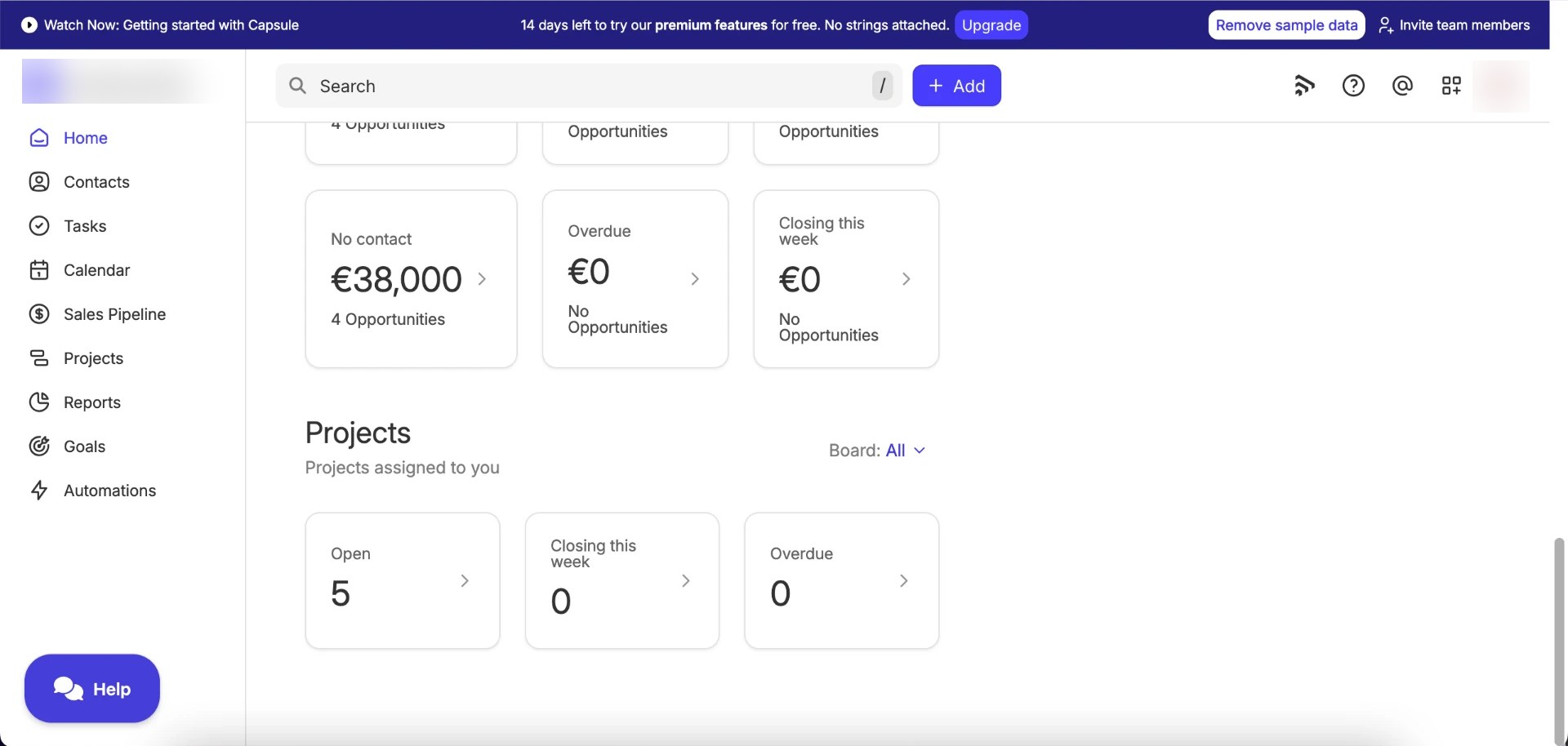
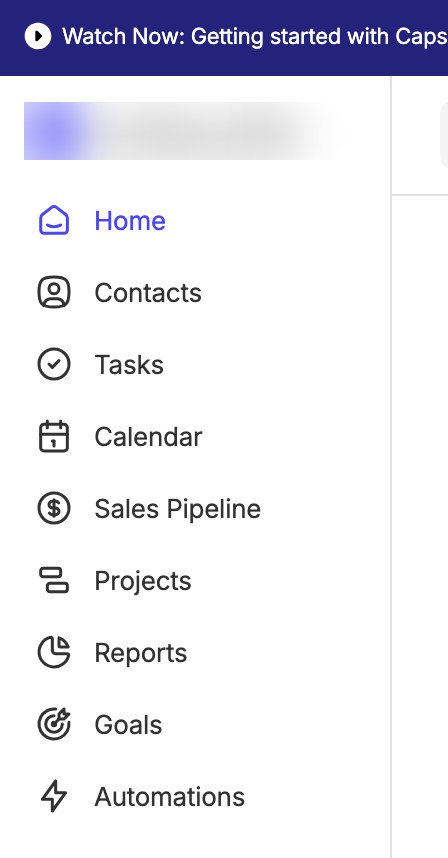
Capsule's interface is one of its strengths. Navigation is organised around a clear left-hand menu: Home, Contacts, Tasks, Calendar, Sales Pipeline, Projects, Reports, Goals and Automations.
Contact records keep details, activity, opportunities and projects in tabs on a single page, so most day-to-day work happens without leaving the record you are looking at. The pipeline, tasks and projects all follow the same visual logic, which keeps the learning curve gentle.
For users who do not need a complex CRM, that simplicity is the point. The trade-off is that power users may find fewer knobs to turn than they would like, particularly around reporting and customisation on the lower tiers.
Pros and Cons
Pros
- Straightforward contact management
- Clear visual sales pipeline
- Free plan available
- Projects and Timeline views
- Task and calendar functionality
- Useful integrations
- AI tools on eligible plans
- Transpond available for businesses needing email marketing
Cons
- Advanced reporting is plan-dependent
- Workflow automation requires an eligible paid plan
- More advanced features require higher subscriptions
- Not a replacement for advanced project-management software
- Email marketing is handled separately through Transpond
- Per-user pricing can become more expensive as a team grows
Capsule CRM Alternatives
Capsule is not the only straightforward CRM aimed at small businesses. If you are comparing options, the main alternatives worth a look are:
- HubSpot CRM: a broader platform with a permanent free CRM, more marketing and sales depth, and more complexity as you grow
- Pipedrive: a sales-first CRM built around pipeline management
- Zoho CRM: a wide feature set at competitive prices, with a steeper learning curve
- Less Annoying CRM: a deliberately simple, single-price CRM for very small businesses
We compare several of these in our Best CRM for Freelancers guide, which looks at one-person pipelines and client tracking across Capsule, HubSpot, Pipedrive, Streak and Notion.
Final Verdict
Capsule CRM is worth considering for freelancers and small businesses that want to organise customer relationships, sales opportunities and client projects without adopting a complicated CRM.
Its strengths are the ones that matter most at that scale: clean contact records, a visual pipeline, tasks and calendar in the same place, and enough project tracking to keep client delivery visible after the deal is won.
Its value depends on your needs and the plan required to meet them. The Free plan is a genuine starting point, but workflow automation, deeper reporting and the more advanced features sit on higher tiers. If you need sophisticated automation, extensive reporting or advanced project management, compare alternatives before committing.
Try Capsule CRM
Explore Capsule's plans, start with the Free tier or take a 14-day trial of a paid plan on the official website.
Frequently Asked Questions
Is Capsule CRM free?
Yes. Capsule offers a Free plan alongside its paid Starter, Growth, Advanced and Ultimate tiers. The Free plan covers the basics of contact and opportunity management, while features such as workflow automation and advanced reporting require a paid plan.
Does Capsule CRM offer a free trial?
Yes. Capsule offers a 14-day trial of its paid plans, subject to its current terms. Check the official website for the latest trial conditions.
Is Capsule CRM suitable for freelancers?
Yes. Capsule is a good fit for freelancers who want to manage multiple clients, track prospects and follow-ups, and keep basic client project tracking in the same place as their contacts and sales pipeline.
Does Capsule CRM include project management?
Yes, in a lightweight form. Capsule's Projects feature links project records to contacts, with status, ownership, start and expected completion dates, and Timeline, Board and List views. Projects and the Timeline view are available across plans, while the number of project boards depends on the subscription. It is not a replacement for a dedicated, advanced project-management platform.
Does Capsule CRM have workflow automation?
Yes, on eligible paid plans. Automation can trigger actions when an opportunity or project changes status, such as creating or assigning a task. In our review account, the Automation section indicated a Growth plan requirement.
Does Capsule CRM integrate with Gmail and Outlook?
Yes. Capsule connects with Google Workspace and Microsoft 365, covering Gmail and Outlook email and calendar, so communication history and follow-ups stay connected to your CRM records.
Does Capsule CRM include email marketing?
Not inside the core CRM subscription. Email marketing is handled by Transpond, Capsule's companion product for newsletters, campaigns, forms and marketing automation, which may require a separate subscription.
What is the difference between Capsule and Transpond?
Capsule is the CRM: it manages contacts, sales opportunities, tasks and client projects. Transpond is the email marketing product: it handles newsletters, campaigns, forms and marketing automation. They are designed to work together but are separate products.
Can Capsule CRM replace a project-management tool?
For simple client delivery tracking, yes. Capsule's Projects keep schedules, tasks and progress visible alongside your contacts. If you need project dependencies, resource planning or advanced workload management, you will still want a dedicated project-management tool.
Which Capsule CRM plan should a small business choose?
Start with Free if you mainly need organised contacts and a simple pipeline. Look at Starter for email templates and more capacity, and Growth if you need workflow automation and more advanced reporting. Verify current plan limits and pricing directly with Capsule, since regional offers and billing frequency can change the final amount.